A 4-Step Playbook for Automating Repetitive Finance Work (Without Waiting for IT)
Spot it, map it, script it, check it. The simple process I follow to turn weekly Excel routines into dashboards and one-click tools, with real examples from my work.
Where to start
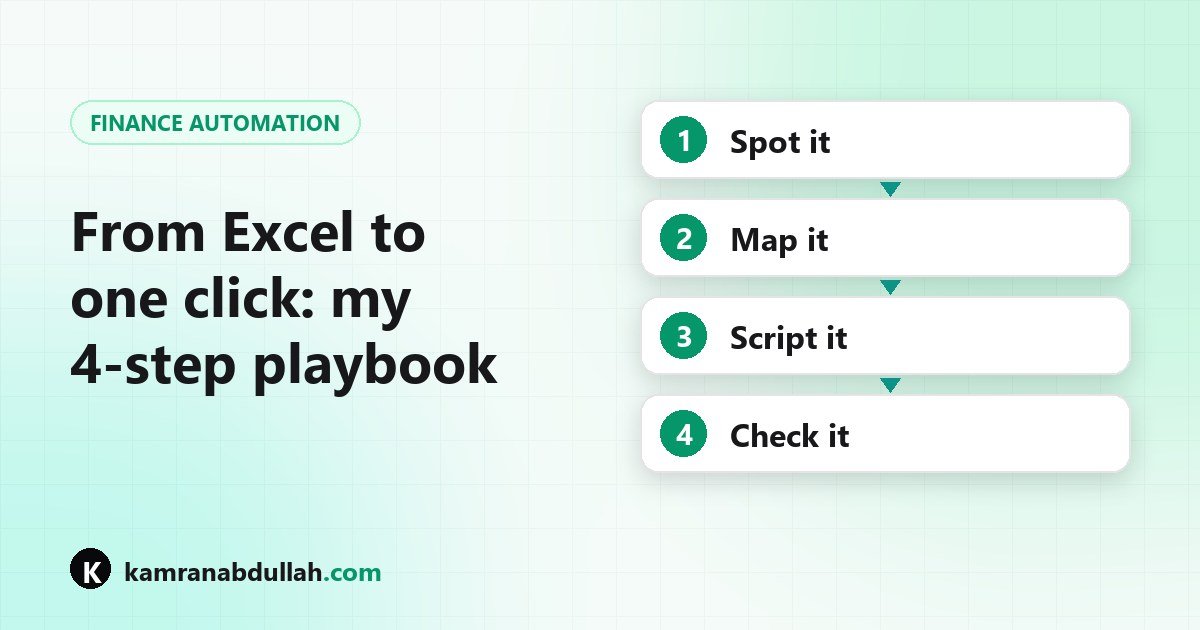
People often ask me how to begin with automation in finance. The honest answer: don't start with a tool, start with a task. Here is the four-step process I use, whether the end result is a Python bot, a SQL model or a Power BI dashboard.
Step 1: Spot it
Look for work that is repeated, rule-based and boring. Good signs:
- you do it weekly or monthly, and it looks the same every time,
- it involves copying data between files or websites,
- the instructions fit on a sticky note,
- nobody learns anything from doing it.
My own example: verifying 20 NTN records on a government portal took about 30 minutes by hand. That became a Python tool.
Step 2: Map it
Write the steps down exactly as a person does them. Inputs, clicks, checks, outputs. This is where most hidden complexity appears, and where you decide what the tool must handle and what must stay a human decision.
Step 3: Script it
Pick the lightest tool that works:
| Problem | Tool I reach for |
|---|---|
| Report rebuilt every month | Power BI + a clean data model |
| Data pulled from databases | SQL views and queries |
| Clicking through websites | Python browser automation |
| Google Sheets workflows | Apps Script |
| Reading documents and invoices | OCR plus validation rules |
Keep the interface familiar. Excel in, Excel out wins almost every time. See how that worked in my Power BI sales dashboard.
Step 4: Check it
Never trust an automation you haven't tested against the manual result.
- Run the tool and the manual process on the same sample.
- Compare to the last digit.
- Add logs and clear error messages.
- Keep a human review step for anything that affects money or compliance.
Think bigger, stay small
You don't need an enterprise rollout for every problem. Often the right answer is a small solution that fits the team. I wrote more about that idea in personalized software for finance teams.
If you have a task that fits Step 1, start there this week. And if you want a second pair of eyes on it, message me on LinkedIn.
Enjoyed this post?
Follow my journey from finance ledgers to one-click automation.