One Payroll Application on a Normal Windows PC, and an Internal Audit Check in 30 Minutes
A custom payroll application that runs offline on a regular Windows PC, matches the Finance team's sheets to the rupee, and can independently recalculate payroll for internal audit.
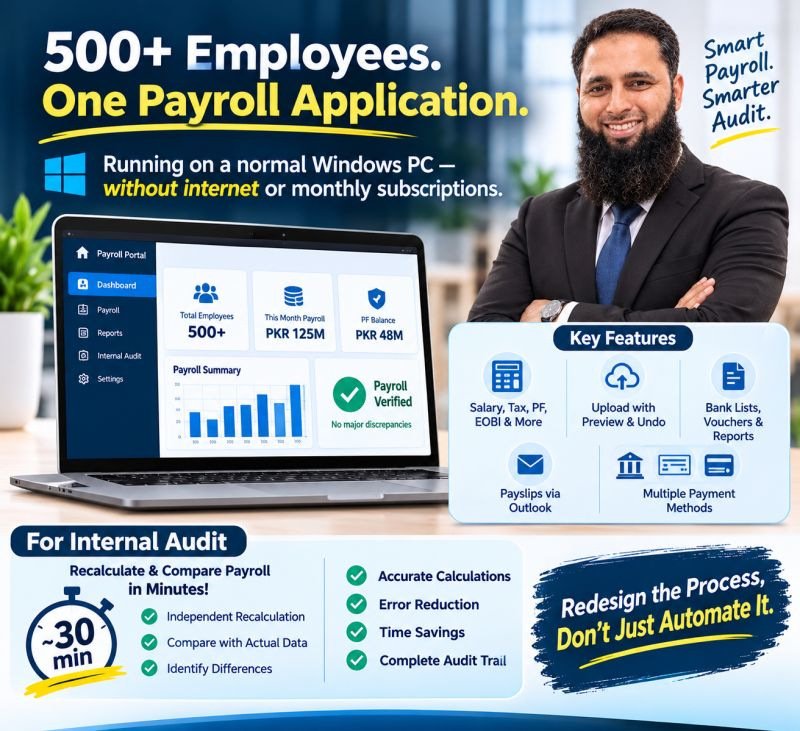
The visual I shared with the original LinkedIn post.
Payroll in giant Excel files
One of my clients ran the group's monthly payroll from large Excel files. That meant repeated manual work, a real risk of errors in tax, PF and absent-day calculations, slow reconciliation, and no easy way to correct a wrong upload.
So I built a customized payroll application around their actual process. It runs on a normal Windows PC, without internet and without monthly subscriptions.
What it can do
- Calculate salary, tax, PF, EOBI, loans, increments and employee exits.
- Upload Excel files with a preview before saving, plus undo and audit logs.
- Generate bank payment lists, journal vouchers and reconciliation reports.
- Generate payslips and distribute them through Outlook.
- Handle bank transfers, cheques, cash, pay orders and held payments.
The calculations were matched against the Finance team's existing payroll sheets to the rupee.
The second use case: internal audit
The same application can independently recalculate payroll using company rules and compare the results with the actual payroll data. Imagine checking payroll for around 2,000 employees and finding calculation differences in about 30 minutes instead of spending a whole day on manual verification.
Exceptions still need a human to review them. The tool finds the differences; people decide what they mean.
What I believe
Don't just automate existing work. Think about how the entire process can be redesigned. Related: how I connected this payroll software to a Provident Fund system.
I first shared this on LinkedIn. If you have a similar problem in your own team, connect with me on LinkedIn and let's talk.
Enjoyed this post?
Follow my journey from finance ledgers to one-click automation.