The PDF Converted to Excel, but the Real Problem Wasn't Solved
Online converters produced Excel files that still needed fixing before reconciliation. I built a custom PDF-to-Excel tool around the exact bank report format, and it runs locally.
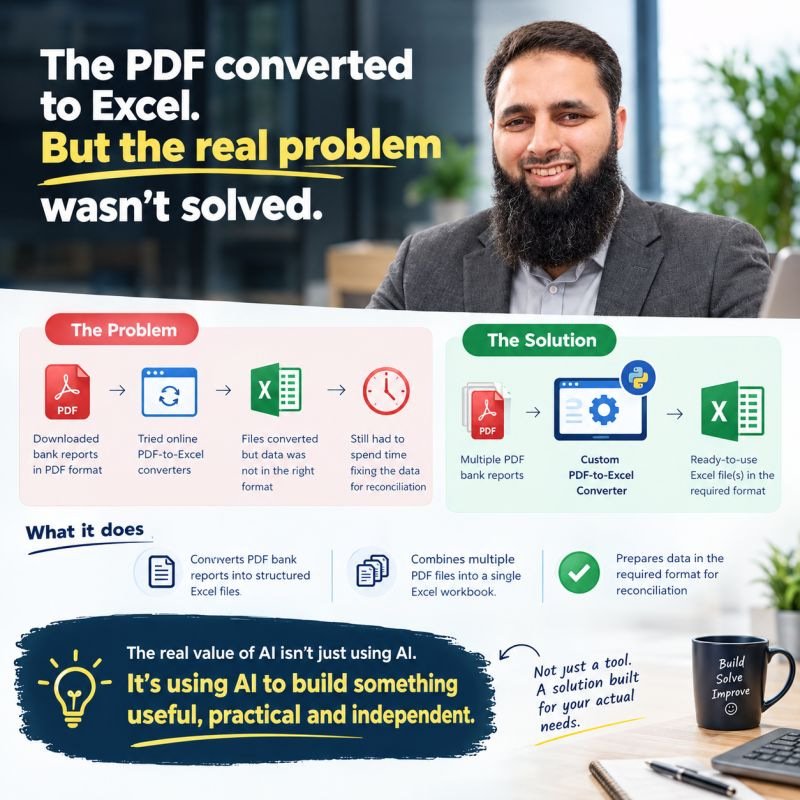
The visual I shared with the original LinkedIn post.
Converted, but not usable
A client downloaded bank reports as PDFs, with no Excel option. He tried several online PDF-to-Excel converters. The files converted, but never in the format reconciliation needed, so he spent time fixing the data before the real work could start.
That made me ask: why keep searching for another tool when we can build one that works exactly the way we need?
What the converter does
- Converts PDF bank reports into structured Excel files.
- Combines multiple PDFs into a single Excel workbook.
- Prepares the data in the required format for reconciliation.
Why local matters
- No subscription. Why pay repeatedly for something that can run independently?
- No uploading sensitive financial reports to random online tools. A suitable local solution can do the job.
- No correcting generic output. The tool is built around the real requirement.
Use AI to build it, don't depend on it
My view: use AI to build the solution, but don't make the solution depend on AI unnecessarily. Where the task follows a defined process, aim for a standalone tool that keeps working without ongoing AI usage. Not every problem fits this, but many do.
Don't just ask "Which tool can do this?" Ask "Can I build a solution that does exactly what I need?" The output of this tool feeds my bank reconciliation automation.
I first shared this on LinkedIn. If you have a similar problem in your own team, connect with me on LinkedIn and let's talk.
Enjoyed this post?
Follow my journey from finance ledgers to one-click automation.